Why OneOS?
OneOS helps you manage production lines, equipment, and reports in one integrated platform.

First steps
- Create your account
- Define your first production line
- Invite your team
After sign-in, the dashboard shows your line status at a glance:
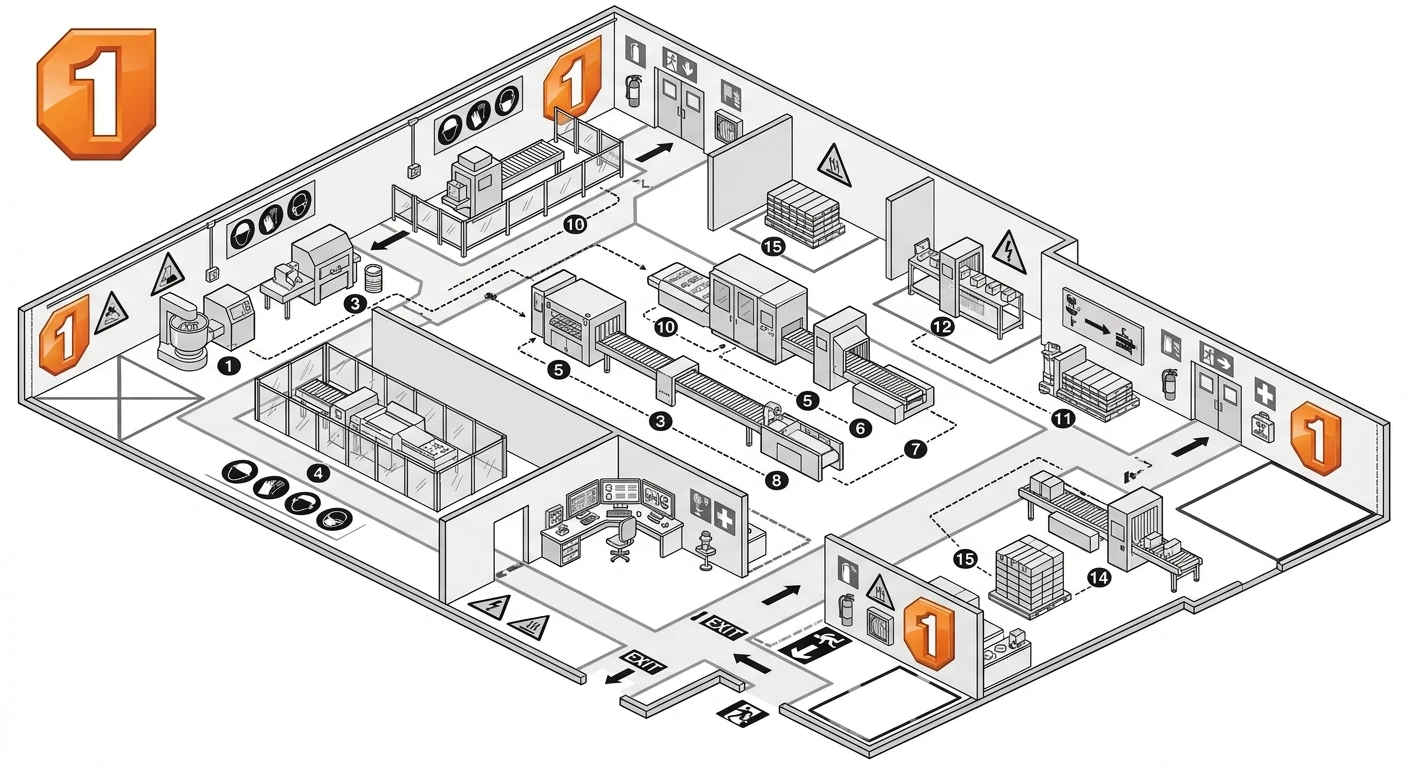
Result
With a few simple settings, you’ll have a unified view of production status. Contact us to get started.
Comments
Share your thoughts with us and other readers.
No comments yet. Be the first!